
The Network Vulnerability Scanner is a custom tool that helps you quickly assess the security of a system. It is an extensive network vulnerability scanner, capable of performing comprehensive security assessments against any type of host.
Light Scan
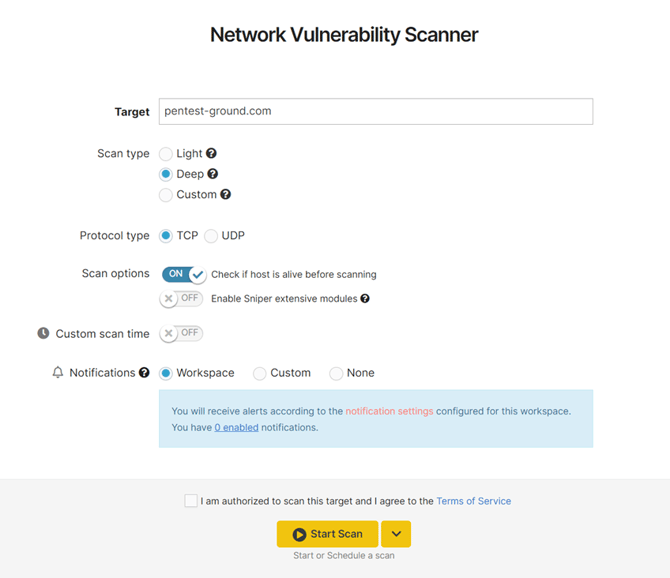
This option gives a brief overview of the system. This mode uses a custom-built vulnerability scanning engine, which is very fast because it uses the service versions to detect vulnerabilities.
Configuration
Scanning engines:
-
Version-based
Ports to scan: Top 100 used by Nmap.
Protocol type: TCP / UDP
Scan options:
-
Check if the host is alive before scanning - enabled
Deep Scan
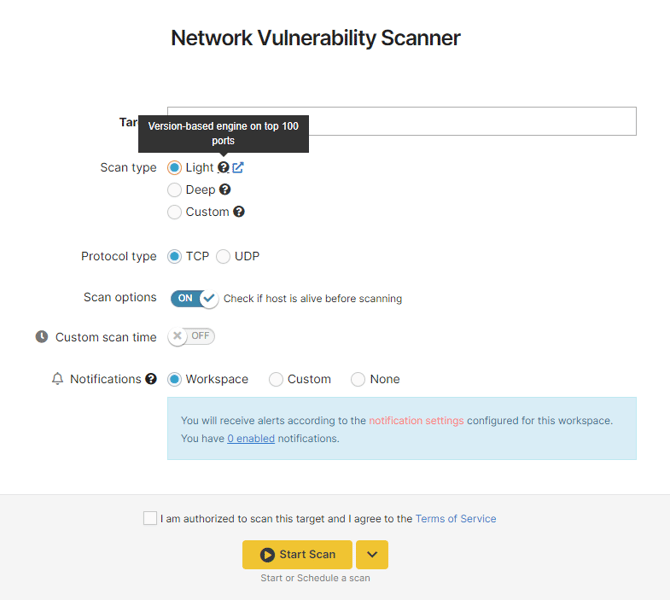
This is the default option that’s checked when you try to start a scan. This type of scan can run for up to 24 hours.
Configuration
Scanning engines:
-
Version-based
-
Sniper detection modules
-
Nuclei
Ports to scan:
Protocol type: TCP / UDP
Scan options:
-
Check if the host is alive before scanning - enabled
-
Enable Sniper extensive modules - disabled
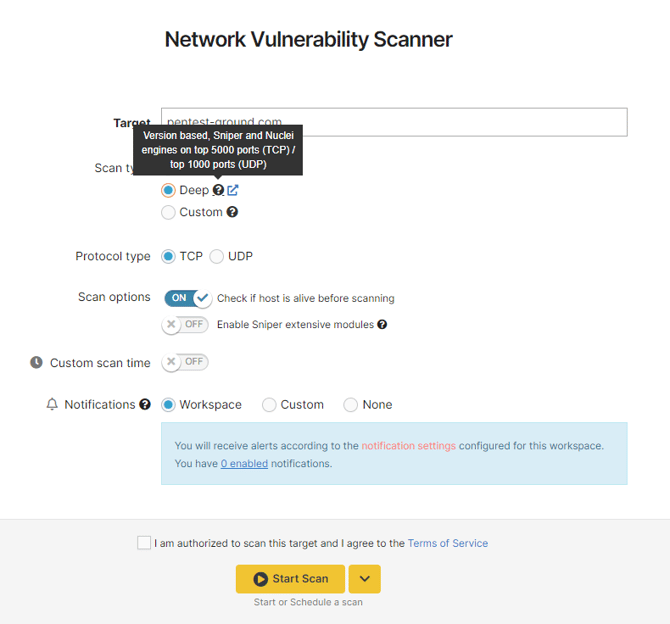
We recommend you don’t change the default scan settings. However, if you have specific requirements or need to exclude several ports from the scan, you can configure these settings with a Custom Scan.
Custom Scan
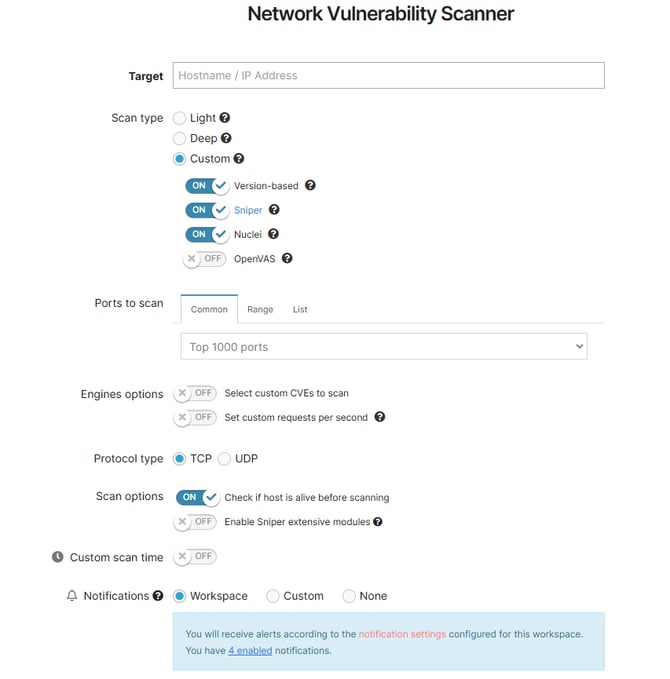
This option enables you to configure the scanner to:
-
run only specific scanning engines, such as version-based scanning, Sniper detection modules scanning, Nuclei, or OpenVAS scanning
-
select which ports you want to scan
-
select which type of protocol you want to scan ( TCP / UDP )
-
enable or disable the extensive Sniper modules option
-
engine options
➝ Select custom CVEs to scan
➝ Set custom requests per second
Useful to know:
- A scan option called the “Check alive mechanism” enables host discovery to check if the target is alive before scanning it. This option is enabled by default.
- The extensive Sniper detection option includes modules that run for an extended period of time due to fuzzing on multiple endpoints and query parameters (e.g. CVE-2022-42889, CVE-2022-34265).
- You can overwrite the default maximum time (in minutes) the scanner is allowed to run. The default value is 1440 minutes (24 hours) and it ensures the best scan coverage.
- ⚠️ When using scheduled scans with Deep or Custom scan options, newly added features are not enabled by default. You need to reconfigure your scan parameters if you want to scan using the new features we keep adding.
Ports Detection
The Network Vulnerability Scanner first attempts to detect if the host is alive or not before doing the port scan. If the host is not alive (ex. does not respond to ICMP requests) it will show zero open ports found.
If the scanner does not find any open ports even though you know there are, we recommend you re-running the scan with the option "Check if host is alive" disabled. This will skip host discovery and just start the port scan.
Scanning engine details
Currently, there are four scanning engines in the Network Vulnerability Scanner:
-
Version-based
This engine performs a very fast security assessment with minimum interaction with the target system.
It starts by running Nmap to detect the open ports and services. Then, based on the results Nmap returns, our Network Scanner interrogates a database with known vulnerabilities to see if any issues affect the specific versions of the services.
This detection method, while being very fast, is prone to returning false positives because it relies only on the version reported by the services (which may be inaccurate).
-
Sniper
The Sniper modules are custom vulnerability checks that our team develops.
They provide quick detection of critical vulnerabilities in high-profile software. You can find a complete list of Sniper detection modules currently available in our Network Scanner in our Vulnerability & Exploit Database.
-
Nuclei
Nuclei is an open-source project developed by ProjectDiscovery. Nuclei is designed to automate the process of detecting security vulnerabilities and misconfigurations in web applications and network services. It provides a framework for writing and executing security checks, known as templates or "nuclei-templates," against various types of targets.
Nuclei is primarily used for security testing and reconnaissance purposes. It allows security researchers, penetration testers, and bug bounty hunters to efficiently scan large numbers of web applications for common vulnerabilities, such as CVEs, cross-site scripting (XSS), SQL injection, server-side request forgery (SSRF), open redirect, and more. By using predefined templates or creating custom ones, users can define specific security checks to be performed against their target applications.
The Nuclei project provides a wide range of prebuilt templates that cover a variety of security issues across different technologies and platforms. These templates can be easily extended or customized to fit specific testing requirements.
Overall, Nuclei simplifies and automates the process of identifying potential security weaknesses in web applications and network services, allowing for faster and more efficient security assessments.
Scanning Policy
Our Network Vulnerability Scanner utilizes network-related Nuclei templates that have the following tags: cve, cnvd, dns, network, ssl, and waf.
-
OpenVAS